
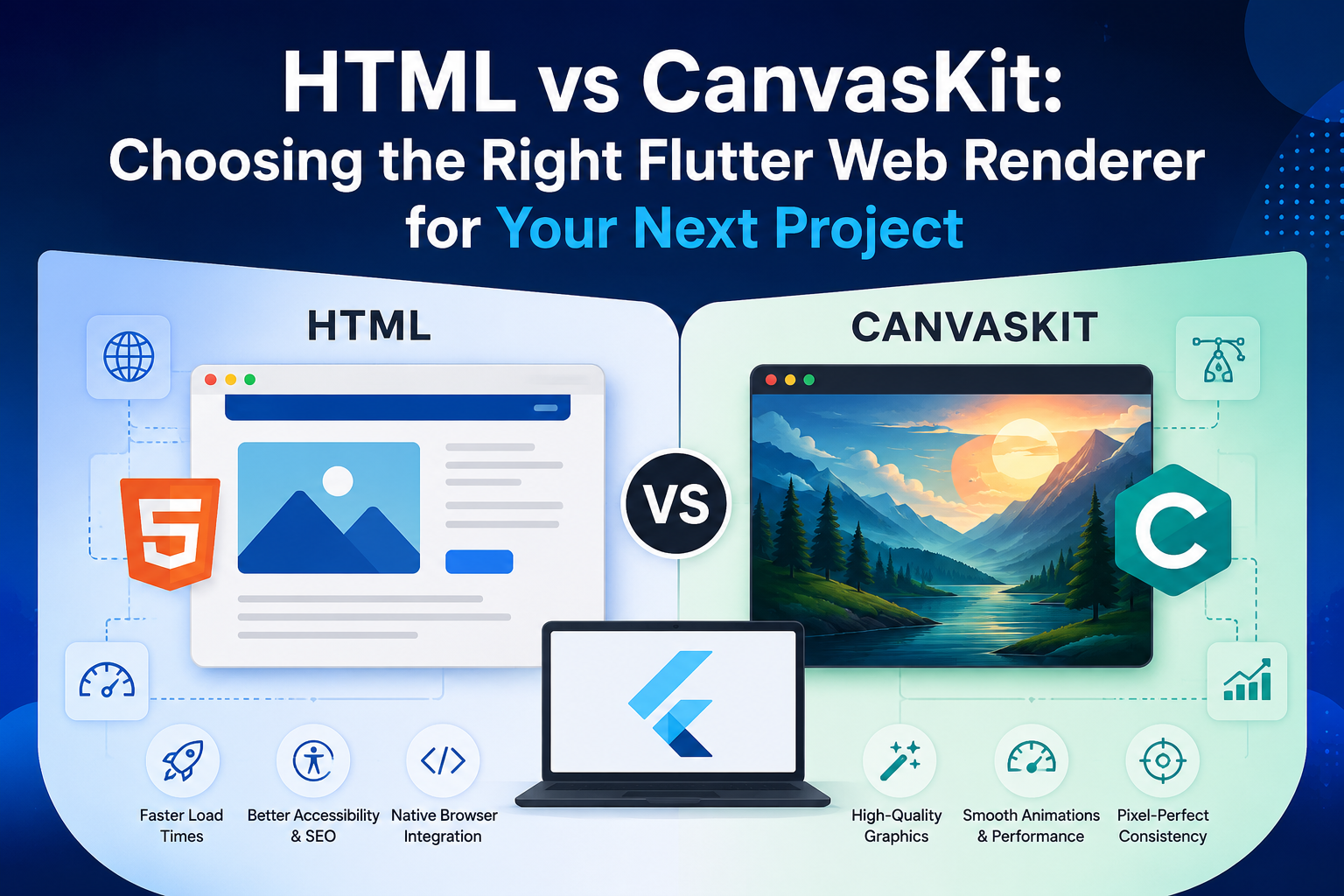
Flutter has become one of the most popular frameworks for building cross-platform applications, allowing developers to ship products for mobile, desktop, and the web from a single codebase. While Flutter makes web development much easier, one decision can have a significant impact on your application’s performance and user experience: choosing the right web renderer.
Flutter primarily offers two rendering options for web applications: HTML and CanvasKit. Both are capable of delivering excellent user experiences, but they are designed for different use cases. Understanding their strengths and limitations can help you build a faster, more efficient Flutter web application.
What Is a Flutter Web Renderer?
A web renderer is responsible for displaying your Flutter application’s interface inside a web browser. Since browsers don’t run Flutter’s rendering engine natively, Flutter translates widgets into something the browser can display.
The two most commonly used rendering options are HTML and CanvasKit. Although they produce the same application interface, they work very differently behind the scenes.
Understanding the HTML Renderer
The HTML renderer uses standard web technologies such as HTML, CSS, SVG, and browser APIs to render Flutter widgets. Because it relies on native browser capabilities, it produces lightweight web applications that load quickly and integrate well with standard browser features.
This renderer is especially useful for applications where fast startup times, accessibility, and search engine compatibility are important.
Business dashboards, customer portals, booking systems, educational platforms, and enterprise applications often benefit from the HTML renderer because they prioritize responsiveness and usability over advanced graphics.
Understanding CanvasKit
CanvasKit takes a different approach. Instead of relying on browser elements, it uses a WebAssembly version of Google’s Skia graphics engine, the same rendering engine Flutter uses on mobile platforms.
This allows Flutter web applications to look almost identical across browsers and operating systems. Complex animations, custom graphics, and visually rich interfaces are generally smoother and more consistent with CanvasKit.
Applications such as design tools, visualization platforms, interactive dashboards, media applications, and animation-heavy products often achieve better results with this renderer.
HTML Renderer Benefits
One of the biggest advantages of the HTML renderer is its smaller application size. Since there is less code to download initially, users can access the application more quickly, particularly on slower internet connections.
Because it uses standard browser elements, features like text selection, keyboard navigation, screen readers, and accessibility tools also work naturally. This makes it a strong option for enterprise software where usability and accessibility are essential.
Developers also appreciate how well HTML-rendered applications integrate with browser behavior, making debugging and maintenance relatively straightforward.
CanvasKit Benefits
CanvasKit shines when visual quality matters.
Its biggest strength is rendering consistency. Since it uses Flutter’s own graphics engine, the interface looks almost identical regardless of browser differences.
Developers building applications with custom painting, advanced charts, smooth transitions, or high-quality animations often prefer CanvasKit because it delivers a much richer graphical experience.
If your application resembles a native desktop or mobile application, CanvasKit is often the better fit.
Things to Consider Before Choosing
Neither renderer is universally better. The right choice depends on what your application needs.
If your priority is quick loading times, lightweight performance, accessibility, and traditional business workflows, the HTML renderer is usually the practical option.
If your product depends on immersive graphics, polished animations, or highly customized interfaces, CanvasKit is likely to deliver a better user experience despite its larger download size.
It’s also worth thinking about your audience. Users accessing your application on slower networks or older devices may appreciate the faster startup offered by HTML, while users on modern hardware may benefit more from CanvasKit’s richer visual experience.
Can You Switch Renderers?
Yes. One of Flutter’s advantages is the flexibility to experiment with different rendering strategies during development.
Many teams evaluate both renderers before production to compare loading speed, responsiveness, memory usage, and overall user experience. Testing with real users often provides better insights than relying solely on benchmarks.
What Development Teams Are Choosing
As Flutter web continues to mature, more engineering teams are selecting renderers based on the specific needs of each project rather than following a single standard.
For example, companies like GeekyAnts, which build Flutter applications across industries including fintech, healthcare, SaaS, and enterprise software, evaluate rendering choices based on performance goals, interface complexity, accessibility requirements, and the overall product experience. Instead of treating HTML and CanvasKit as competing technologies, they are viewed as tools suited to different business requirements.
This project-first approach often leads to better long-term performance and maintainability.
Final Thoughts
Choosing between HTML and CanvasKit isn’t about finding a winner. It’s about selecting the renderer that best supports your application’s goals.
If you’re building a lightweight business application where speed and accessibility are critical, the HTML renderer is an excellent choice.
If your application depends on stunning visuals, complex interactions, and a native Flutter experience across platforms, CanvasKit offers clear advantages.
Understanding these trade-offs early in the development process can help you create Flutter web applications that not only perform well but also deliver a better experience for your users.